
Spreadsheet automation services for B2B teams
Replace manual Excel and spreadsheet work with structured applications that save time, reduce errors, and keep the logic visible, private, and adaptable. It is especially useful for recurring reports, reconciliations, and batch updates.
01 / CLEAN
Better source data
Strip noise before it reaches the workbook.
02 / TRANSFORM
Faster repeatable rules
Reformat and combine data without manual cleanup.
03 / EXPORT
Reports people can read
Deliver a clean file ready for the next handoff.
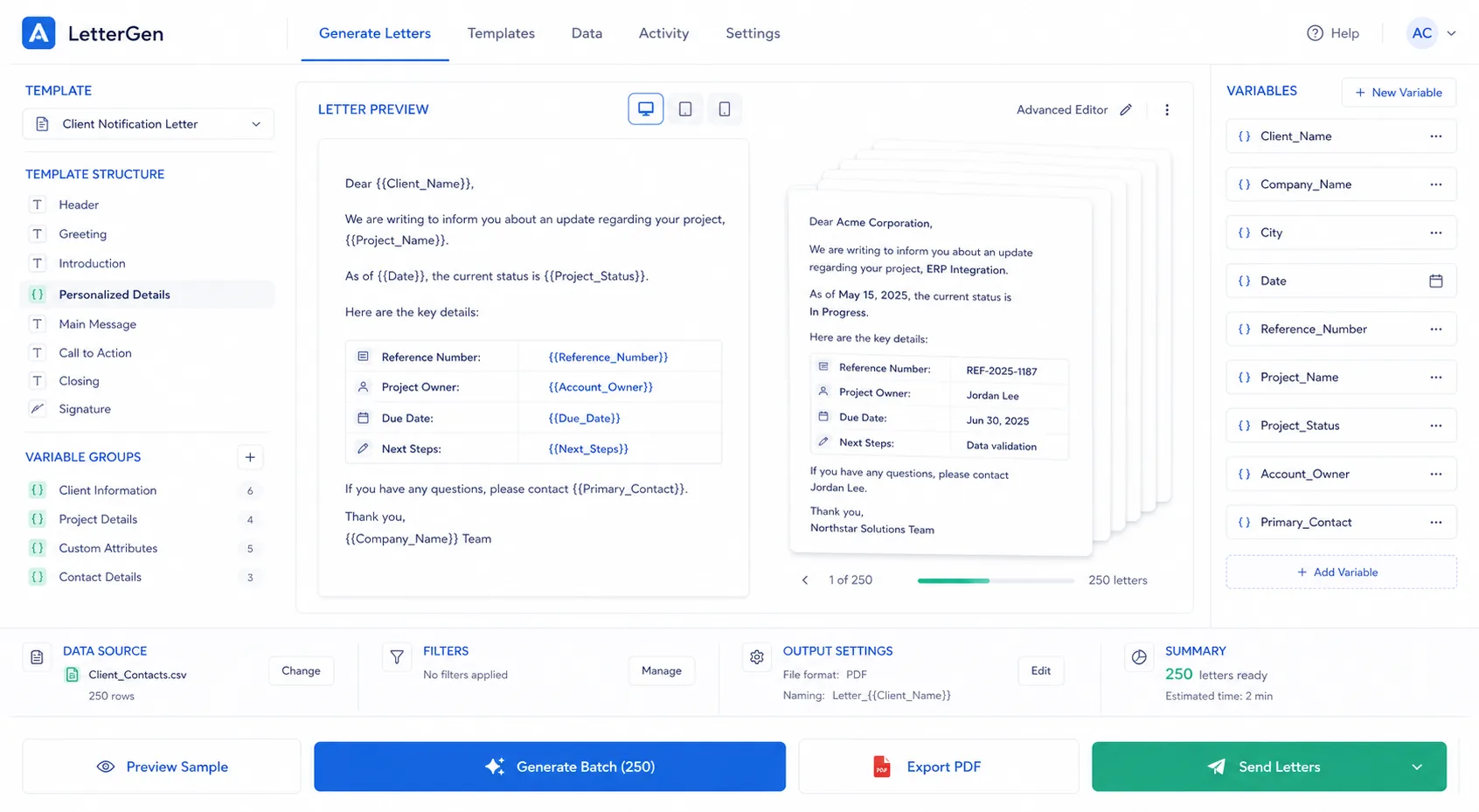
A build surface for spreadsheet transforms, reconciliations, and exports.
Signal 01
Common inputs
Exports, spreadsheets, reconciliations, CSVs, and recurring operational data.
Signal 02
Common outputs
Clean reports, transformed sheets, alerts, and downstream documents.
Signal 03
Why it matters
Spreadsheet-heavy teams lose time every week to repetitive editing and reformatting.
How Excel automation usually works
The workflow usually starts by pulling recurring data into a clean structure, applying validation or transforms, and then exporting the result in a way the team can use immediately.
Step 01
Collect the source data
Exports, CSVs, sheets, or recurring reports feed the workflow.
Step 02
Clean and transform
The workflow validates, merges, and reshapes the data into the right format.
Step 03
Validate the result
Checks catch missing values, mismatches, or other issues before export.
Step 04
Export and reuse
The final sheet or report is ready for the next handoff or downstream system.
Where Excel automation helps most
When spreadsheet work repeats every week or every month, automation usually pays off because the process is both predictable and annoying to do by hand.
Questions teams usually ask
Can this work with existing spreadsheets?
Yes. We usually build around the spreadsheets the team already understands instead of replacing them outright.
Does it have to be a full ERP replacement?
No. Excel automation is most useful when it fixes repeatable spreadsheet work without forcing a bigger platform change.
Can we keep the final file format the same?
Yes. The goal is to improve the process behind the file without disrupting the downstream users of that file.
Ready to automate?
Book a free diagnostic and we'll map your bottleneck.
Map Your Spreadsheet Workflow