
Document automation vs manual ops
Manual document work is easy to start, but it gets expensive every time the same task repeats.
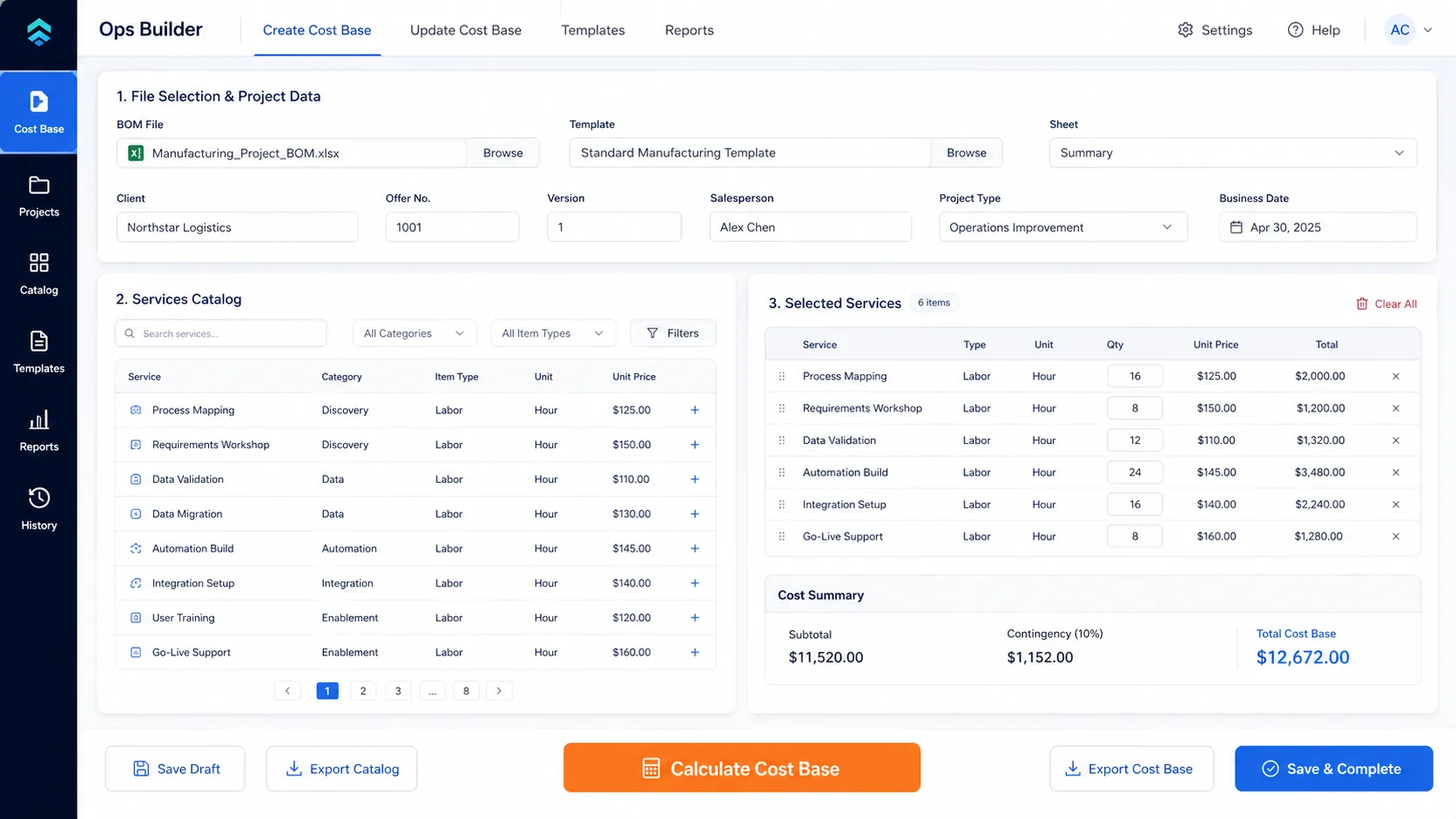
When a business starts, manual document generation is the only logical choice. You open Word, duplicate a previous file, change the client name, and save as PDF. It's free, it's fast, and it works.
But as your operations scale, this "free" process becomes one of the most expensive hidden costs in your business. Every manual copy-paste is a point of friction, a potential error, and a drain on your most expensive resource: human capital.
The Hidden Cost of Manual Operations
Time Bleed
A standard proposal takes 45 minutes to draft manually. At 10 proposals a week, that's almost a full working day lost to formatting and copy-pasting.
Error Rates
Sending a contract with another client's name or incorrect pricing isn't just embarrassing—it's a direct hit to your brand's credibility and legal standing.
Bottlenecking
If only one or two people know how to "properly format" the technical documents, your sales cycle is artificially limited by their availability.
Low Morale
Highly paid professionals hate doing administrative data entry. Repetitive manual work is a leading cause of burnout in B2B teams.
Comparison: Manual vs. Automated
| Aspect | Manual Workflow | Automated Workflow |
|---|---|---|
| Data Entry | Manual copy-paste from CRM/Emails | API pull directly from source of truth |
| Formatting | Requires human adjustment per doc | Programmatically perfect every time |
| Average Time | 30 - 60 minutes | Seconds |
| Scalability | Requires hiring more staff | Infinite (server capacity) |
How Python Automation Changes the Game
Unlike basic no-code tools (like Zapier) which can break silently when a template changes, a custom Python automation layer provides enterprise-grade reliability.
- Logic Rules: You can program conditional logic. (e.g., "If client is in Europe, append the GDPR clause. Otherwise, skip it.")
- Calculations: Python can perform complex math on the data before inserting it into the final PDF or Excel sheet.
- Observability: Every document generated is logged. If an API fails, the system retries automatically and alerts your IT team.
Stop acting like a human router
Let your team focus on strategy and relationships, not copy-pasting data into Word templates.
Compare Your Document WorkflowReady to automate?
Book a free diagnostic and we'll map your bottleneck.
Compare Your Document Workflow